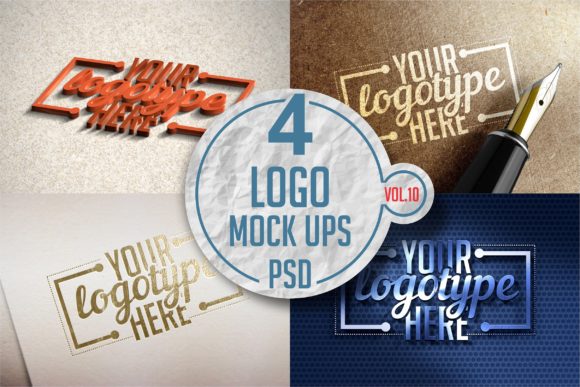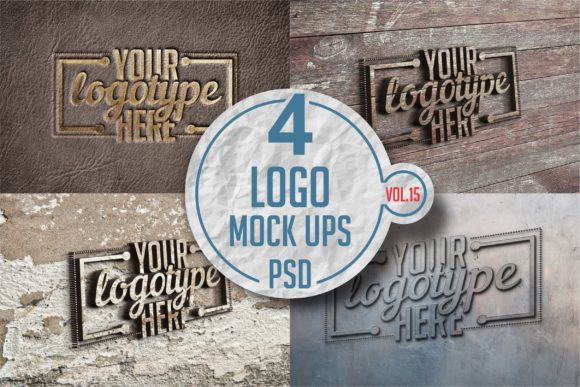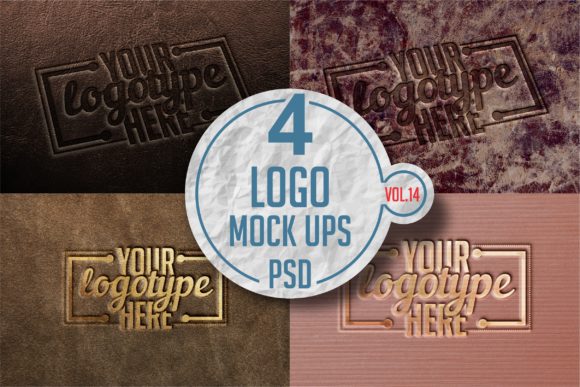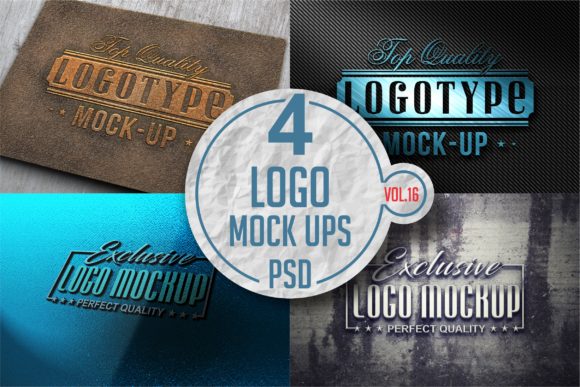
Logo Mock-up
In the competitive landscape of branding and visual communication, the presentation of a design is often just as critical as the design itself. A Logo Mock-up serves as the bridge between a flat digital file and a tangible brand identity. It transforms abstract vector graphics into realistic scenarios that clients, stakeholders, and teams can visualize with clarity. For professionals ranging from freelance designers to marketing directors, the ability to showcase artwork in a high-fidelity environment is essential for effective decision-making and project approval.
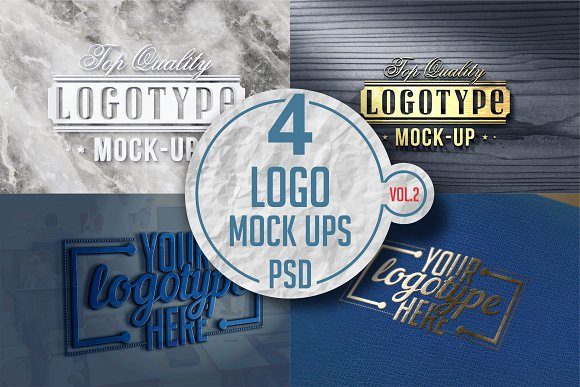
The integration of a high-quality mock-up pack into your workflow addresses a fundamental gap in the creative process: realism. When you are presenting a logo concept, a static image on a screen often fails to convey texture, depth, or material quality. By utilizing a Logo Mock-up Pack Vol.2, which features real photo-based imagery captured with special macro lenses, you provide a level of detail that mimics the physical world. This approach allows users to see how their designs interact with premium craft papers, ink textures, and lighting conditions before any physical production takes place.
Strategic Placement in the Creative Workflow
Understanding where a Logo Mock-up fits within your broader process is key to maximizing its utility. These assets are not merely decorative end-products; they are functional tools used at various stages of planning, execution, and implementation.
Pre-Production Planning
Before finalizing a brand identity, designers use mock-ups to test concepts against different materials. If you are designing for a luxury brand, seeing your logo in a silver letterpress effect on heavy cardstock helps determine if the aesthetic aligns with the brand's values. This stage involves evaluating color accuracy and typography legibility under specific lighting and depth-of-field effects. By simulating these conditions early, you reduce the risk of costly errors during the actual print run.
During Project Execution
During the active development phase, mock-ups facilitate better collaboration. Instead of sending a client a JPEG of a logo, you can present them with a 3D visualization that shows the logo on business cards, stationery, or signage. This interaction helps non-designers understand the scale and impact of the design. The adjustable background color feature allows you to tailor the presentation to match specific campaign themes or environmental contexts, ensuring the logo stands out appropriately in every scenario.
Post-Project Presentation
Once a project is complete, high-resolution mock-ups serve as powerful portfolio assets. They demonstrate professionalism and attention to detail to potential employers or new clients. A collection of images showing a logo in classic letterpress, gold foil, and standard color print provides a comprehensive view of your versatility. This documentation is vital for maintaining consistency across your professional output and proving the value of your work.
Technical Integration and Usability
The effectiveness of a Logo Mock-up depends heavily on its compatibility with existing software and workflows. The modern designer requires tools that offer speed without sacrificing quality. This is where the smart object architecture of premium mock-up packs becomes indispensable. The files are designed to be easy to work with, allowing for rapid iteration without the need for complex manual editing.
The process of integrating your artwork is streamlined through the use of Smart Layers. To apply your design, you simply double-click the designated Smart Layer, paste your artwork, save the changes, and the system automatically adjusts perspective, lighting, and shadows. This automation ensures that the final result looks like a photograph rather than a digital collage. It eliminates the tedious manual masking and warping that often slows down productivity.
Furthermore, the inclusion of four different PSD mock-ups in each set provides variety without requiring multiple downloads or searches. Whether you need a close-up shot focusing on the texture of the paper or a wider angle showing the layout of a stationery suite, having these options readily available keeps your workflow uninterrupted. The adjustable depth of field effect adds another layer of realism, allowing you to focus the viewer's attention exactly where it needs to be—on the logo itself.
Leveraging Advanced Features for Quality Control
High-quality output relies on the ability to control specific visual elements. A generic template often lacks the nuance required for professional branding. The Logo Mock-up discussed here offers distinct effects such as color print, classic letterpress, silver letterpress, and gold letterpress. Each of these effects interacts differently with light and surface texture, providing a realistic representation of how the final product will appear.
- Letterpress Effects: These simulate the physical indentation of ink into paper, adding a tactile dimension to the visual representation. This is crucial for brands aiming for a premium, artisanal feel.
- Metallic Finishes: Silver and gold letterpress options allow you to test the viability of metallic inks. You can assess whether the contrast remains sufficient or if the finish overwhelms the typography.
- Macro Photography Realism: Images made with special macro lenses capture fine details like paper grain and ink bleed. This ultra-realistic close-up result is superior to standard stock photography, offering a unique and authentic look.
These features support rigorous quality control. By adjusting the background color and depth of field, you can ensure that the logo remains legible and impactful regardless of the context. This flexibility is particularly useful when preparing assets for different platforms, from printed brochures to digital presentations.
Organizational Efficiency and Long-Term Use
For productivity-minded users, organization is paramount. A well-structured mock-up pack includes a PDF help file, which serves as an immediate reference guide. This resource helps users navigate the layers, understand the specific capabilities of each file, and troubleshoot common issues quickly. Having this documentation reduces the learning curve and ensures that even those less familiar with advanced Photoshop techniques can produce professional results.
Consistency is another factor that drives long-term success. By using a cohesive set of mock-ups, you maintain a uniform style across all your project deliverables. This consistency reinforces your own brand identity as a designer or agency. When clients see a standardized, high-quality presentation method, it builds trust and confidence in your expertise.
The high resolution of these mock-ups also ensures longevity. Whether you are printing large-format posters or displaying images on high-DPI screens, the files remain crisp and clear. This future-proofs your assets, meaning you do not need to constantly search for new templates as technology evolves or project requirements change.
Practical Implementation Tips
To get the most out of your Logo Mock-up Pack Vol.2, consider adopting a systematic approach to your file management. Organize your source files by project, keeping the original vectors separate from the mock-up PSDs. Before placing your artwork, ensure it is optimized for the specific effect you intend to use; for instance, vector paths should be converted to outlines if you are testing metallic foils to avoid transparency issues.
When selecting an effect, think about the medium. A gold letterpress might look stunning on a wedding invitation but could be inappropriate for a tech startup's business card. Use the adjustable features to experiment and find the balance that best represents your brand's voice. Don't hesitate to tweak the background color to create mood variations that tell a story about the brand.
Finally, treat the mock-up as a dynamic part of your creative strategy rather than a static finishing touch. Revisit your projects with fresh eyes using these high-fidelity representations. You may notice details in the spacing or font weight that were invisible on a flat screen but become apparent in a realistic 3D context. This iterative process leads to more refined, polished, and successful branding outcomes.
By incorporating these realistic, high-resolution tools into your daily routine, you elevate the standard of your work. The combination of ease of use, advanced features, and photographic authenticity makes the Logo Mock-up an essential component for anyone serious about delivering top-tier design solutions. Whether you are a solo entrepreneur launching a new venture or a seasoned creative director managing a team, these assets provide the foundation for clear communication and impressive presentations.