Box Pack: A Strategic Toolkit for Versatile Crafting and Branding
The Box Pack represents more than a simple collection of digital templates; it is a foundational resource designed to streamline the production of custom packaging, party favors, and branded merchandise. In an era where customization drives consumer engagement, having access to high-quality, versatile files allows creators and small business owners to pivot quickly between projects without compromising on design integrity or operational efficiency.
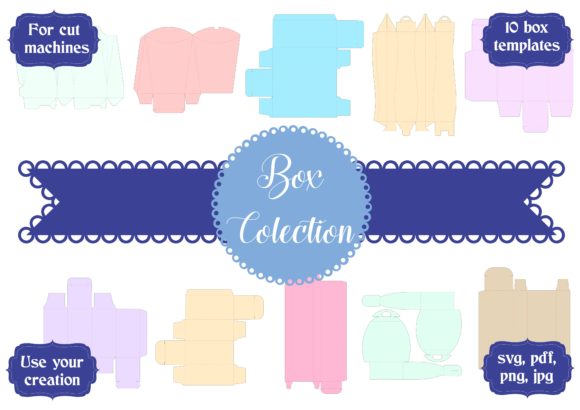
This craft collection features 10 distinct template boxes, offering a modular approach to design. Whether you are an entrepreneur launching a new product line, a marketer preparing event swag, or a hobbyist organizing a themed celebration, the ability to mix and match these designs creates a unique combination party craft design that stands out in a crowded market. The strategic value lies not just in the final product, but in the flexibility the file formats provide for immediate implementation across various cutting software ecosystems.
Understanding the Technical Foundation for Professional Results
To leverage the full potential of the Box Pack, one must first understand the technical specifications that ensure compatibility and precision. These files are engineered to work seamlessly within Silhouette Studio, Cricut Design Space, Sure Cuts a Lot (SCAL), and other industry-standard cutting machines. However, the true power of this toolkit is realized only when the user ensures their hardware aligns with the provided file formats.
The package includes a comprehensive suite of digital assets to accommodate different workflows:
- SVG File: The primary vector format for Cricut, Silhouette, Sizzix, and modern cutting machines. This format preserves scalability, allowing you to resize your box designs from a tiny favor tag to a large shipping container without losing quality.
- PNG Digital File: Provided with a transparent background, this raster image is ideal for layering in graphic design software or for users who need a quick visual reference before cutting.
- JPG Digital File: A high-resolution 300 dpi image suitable for printing purposes or as a backup reference for hand-cutting enthusiasts.
- Silhouette Original File: Specifically optimized for the native Silhouette Studio environment, ensuring that proprietary elements and cut lines remain intact.
- PDF File: A dedicated resource for hand cutter people who prefer manual precision over machine automation.
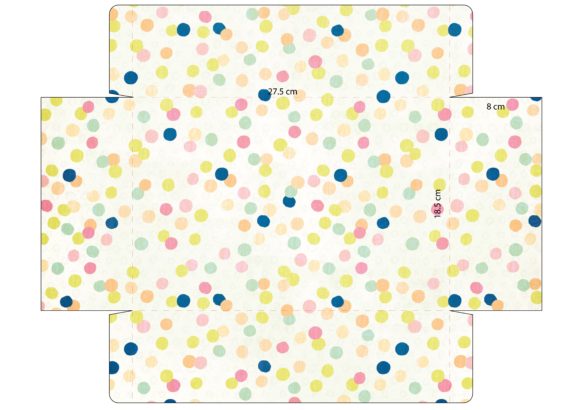
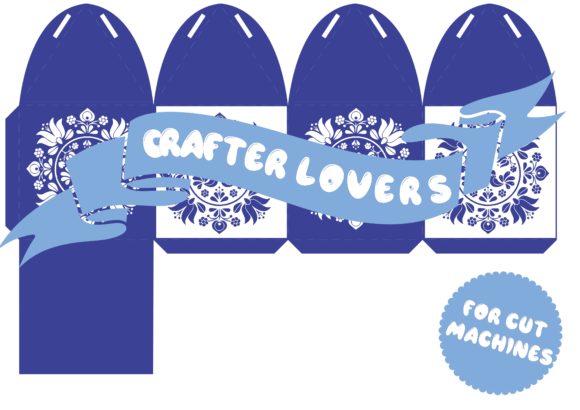
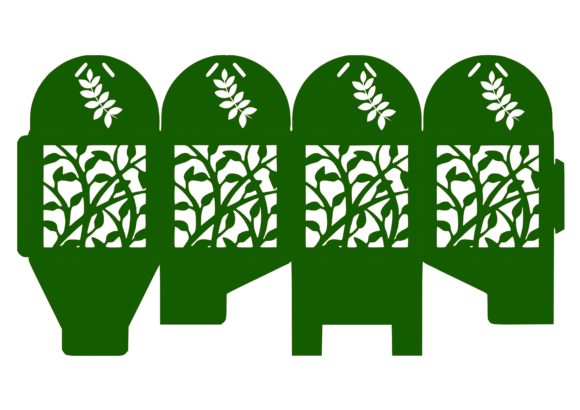
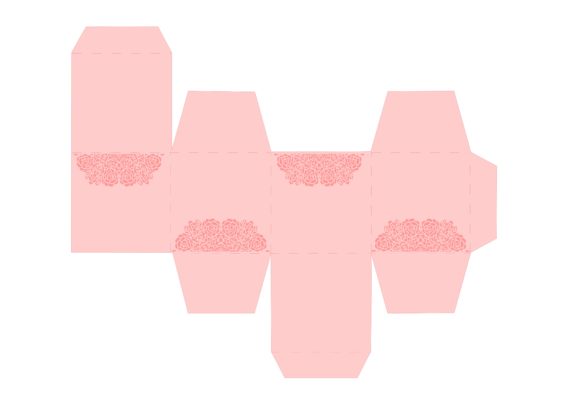
It is critical to note that while the product pictures serve as examples of how the designs can be used, they are merely illustrations. The actual utility comes from extracting the received folder, unzipping the compressed archive, and accessing the separate files. Without this extraction step, the individual components required for specific software cannot be utilized effectively.
Strategic Applications for Business and Creativity
For entrepreneurs and small business owners, the Box Pack offers a low-risk, high-reward method to test market hypotheses. Instead of investing in expensive custom tooling or hiring a designer for every new product variation, you can utilize these 10 templates to create rapid prototypes. This agility supports better decision-making by allowing you to assess customer response to different packaging styles before committing to larger inventory runs.
In the realm of marketing and events, thoughtful use of these templates enhances the customer experience. Custom packaging is often the first physical touchpoint a client has with a brand. By using the Box Pack to create cohesive, branded unboxing experiences, you signal professionalism and attention to detail. This is particularly relevant for educators and bloggers who may host workshops or sell digital goods; a well-crafted physical component adds tangible value to an otherwise intangible purchase.
The versatility of the 10-template collection also aids in long-term planning. You can establish a system where different box sizes correspond to different product tiers or event themes. For instance, a small box might hold a digital download code or a sample size, while a larger variant serves as the main product container. This structural consistency helps in organizing operations and simplifies the logistics of storage and shipping.
Approaching the Design Process with Intention
Success with the Box Pack requires an intentional approach rather than a random application of tools. Before initiating a project, consider the end goal of the physical object. Are you creating a gift for a personal occasion, a promotional item for a corporate event, or a retail-ready product? The answer dictates which of the 10 templates is most appropriate and how the design should be modified.
When working with the SVG files in software like Cricut Design Space or Silhouette Studio, take time to analyze the cut lines. Some templates may require minor adjustments to fit specific materials, such as thicker cardstock or corrugated cardboard. Understanding the material properties beforehand prevents waste and ensures the structural integrity of the final box. If you are using the PDF file for hand cutting, precision is paramount; ensure your workspace is well-lit and your cutting tools are sharp to maintain clean edges.
Furthermore, the inclusion of both vector (SVG) and raster (JPG/PNG) formats allows for a hybrid workflow. You might use the SVG for the structural cuts and the JPG for high-quality printed graphics that adhere to the exterior surfaces. This multi-format capability supports a robust creative process where design and function are balanced effectively.
Risks and Considerations for Unplanned Usage
While the Box Pack is a powerful tool, relying on it without clear goals or context can lead to suboptimal outcomes. A common pitfall is treating the templates as a "one-size-fits-all" solution. Using a delicate paper template for a heavy-duty shipping requirement will result in failure. Similarly, applying a generic design to a niche audience without considering their specific aesthetic preferences can dilute the impact of your branding.
Another risk involves the assumption of universal compatibility. Although the files are designed for popular software, users must verify that their specific version of Silhouette Studio or Cricut Design Space supports the latest features of the imported files. Failure to do so can result in missing cut lines or incorrect scaling, leading to material waste and frustration. Always check the system requirements of your cutting machine against the file specifications provided.
Additionally, there is the risk of over-saturation. Because these files are available as instant downloads, many users may produce identical boxes. To mitigate this, it is essential to add unique branding elements, such as custom logos, color schemes, or personalized messages, to differentiate your products from others using the same base templates. The goal is to use the Box Pack as a starting point for innovation, not as a finish line.
Maximizing Long-Term Value and Efficiency
Integrating the Box Pack into your workflow can significantly enhance productivity. By having a library of pre-tested, reliable templates, you reduce the time spent on trial-and-error design phases. This efficiency translates directly into cost savings and faster turnaround times, which are critical metrics for any business aiming for growth.
Moreover, the digital nature of these files allows for infinite reuse. Once you have mastered the setup for a specific box design, you can replicate it for future orders with minimal additional effort. This scalability supports long-term results by enabling you to handle increased demand without proportionally increasing your workload. Whether you are fulfilling a single order or managing a seasonal rush, the ability to instantly deploy proven designs provides a competitive edge.
Ultimately, the Box Pack is a strategic asset for those who value preparation and adaptability. It empowers creators to move from concept to completion with confidence, provided they approach the task with a clear plan and an understanding of their tools. By respecting the technical requirements and applying thoughtful design principles, you can transform simple templates into professional-grade solutions that elevate your brand and satisfy your customers.
As you embark on your next project, remember that the technology is only as effective as the strategy behind it. Use the Box Pack to facilitate your vision, but let your unique insights and goals drive the final outcome. In doing so, you turn a collection of digital files into a catalyst for meaningful creation and sustainable business practices.